Add Game
Step 1. Launch App
danger
When you first run the app, the game list is empty
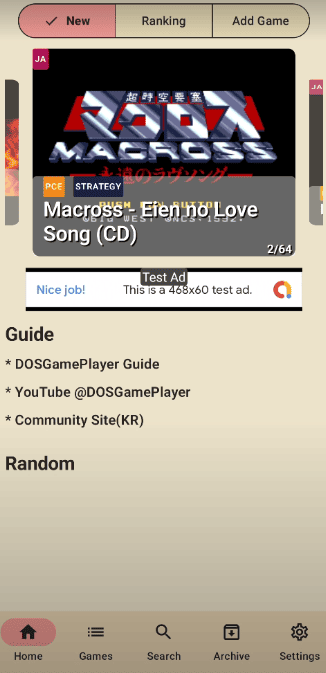
Step 2. Go To Add Game Menu

Step 3. Click Console Type Button
- Click to Console Button

- A Toast message will appear at the bottom

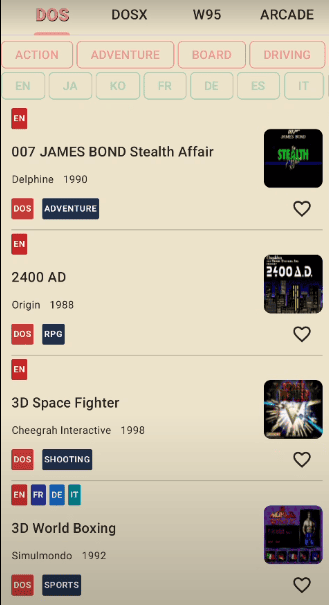
Step 4. Check the Game list
- Go to
GamesMenu

- Check the Game List
tip
To keep your game list up to date, download it each time you visit.