Play Game (Windows 95)
Step 1. Select Game
Click on the game to go to the Game Details Screen
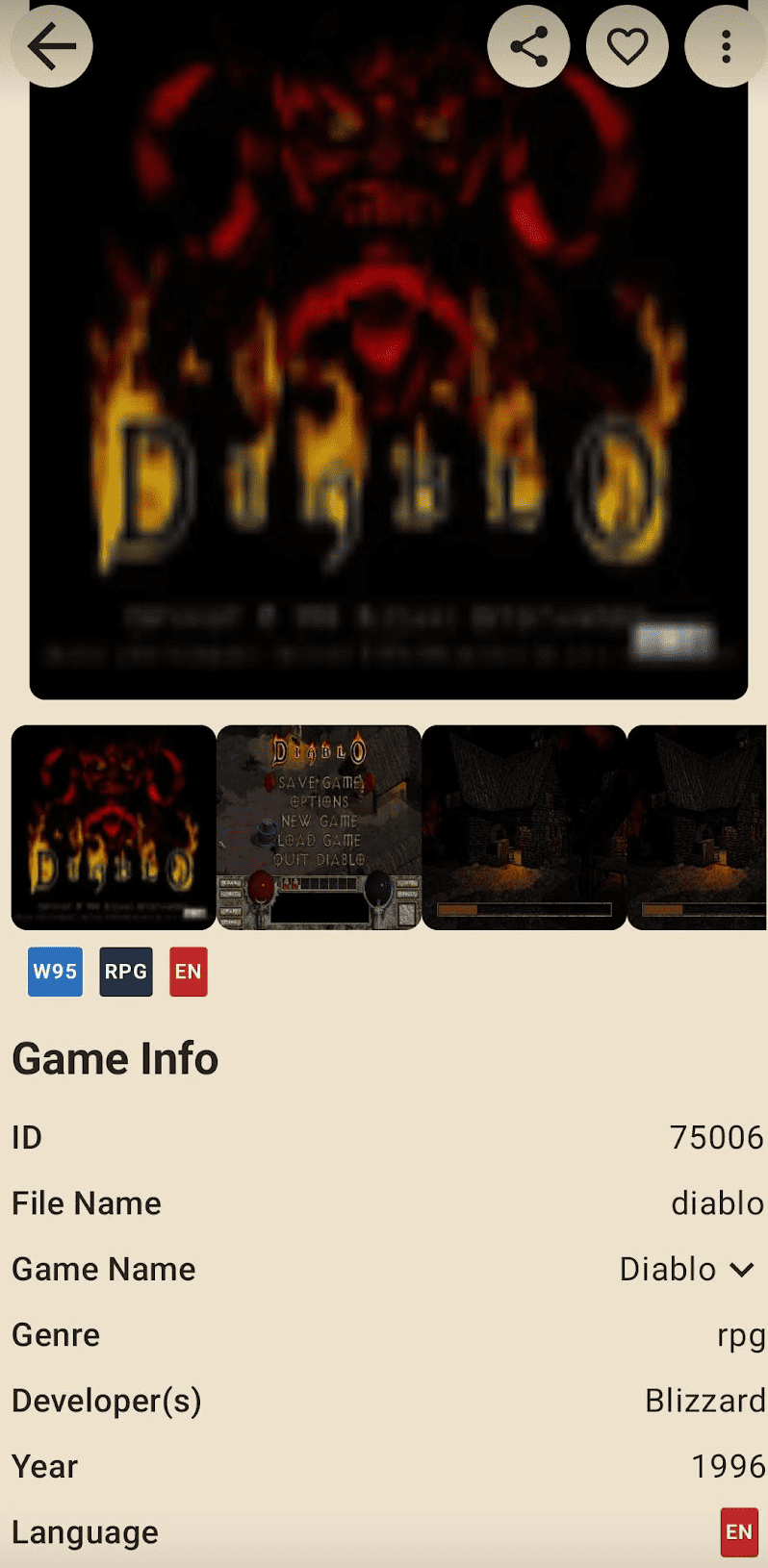
Step 2. Download Game ROM
Click the Download ROM button to download the game ROM for each language.

info
Game ROMs are supported in a total of 8 languages.
- English, Japanese, Korean, French, German, Spanish, Italian, Chinese
tip
If you want to upload the game ROM from your phone, Click the Upload (From Phone) Button
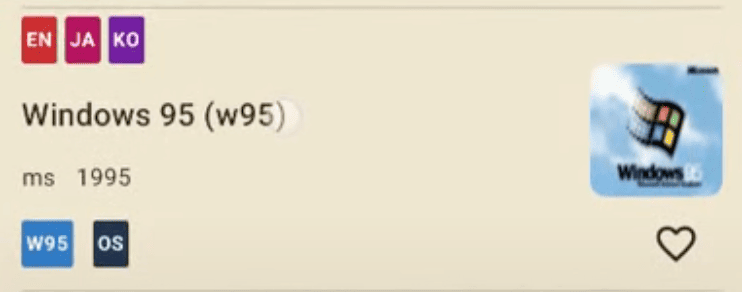
Step 3. Download Windows 95 OS (only Once)
info
Windows 95 ROM are supported in a total of 3 languages.
- English, Japanese, Korean
Windows 95 does not run standalone (for game execution)
Step 4. Click Play Game Button
info
You must download the game ROM to see the Play Game button.
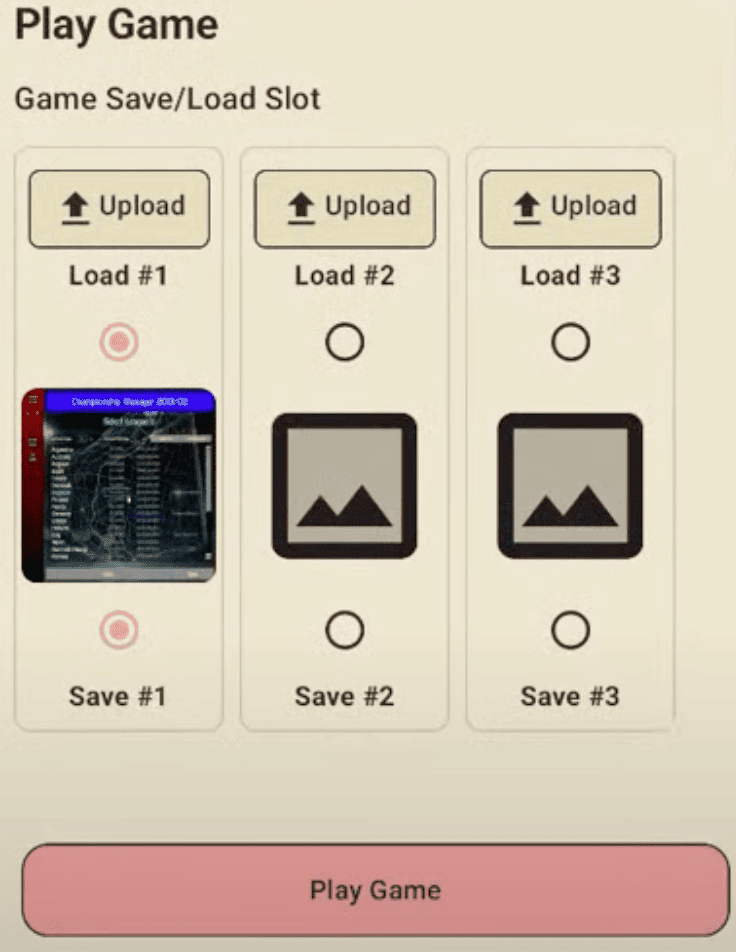
Click the Play Game button to start the game
info
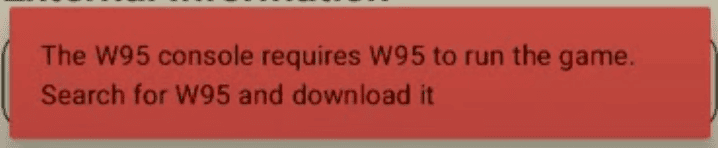
If you do not download Windows 95 OS, Download Windows 95
Step 5. Click Explorer Icon

Step 6. Click Game Exe Icon

Go to D Drive

Click the game launch icon
ex) Diablo