Save Game (Arcade)
info
Games developed by Cave do not support saving
Step 1. Select App's Slot Number

 : Click To Change Save Slot
S1 : Save To Slot #1
S2 : Save To Slot #2
S3 : Save To Slot #3
info
The maximum number of save slots is 3 by default, and additional save slots can be purchased.
Step 2. Save to App's Slot
Click S1 Button : Files changed within the DOS game are saved in slot 1 of the APP
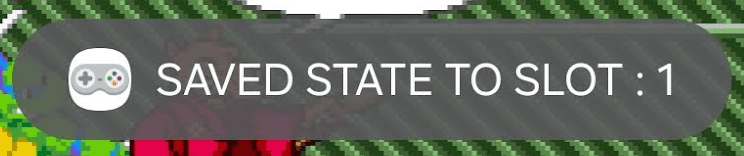
When saving is complete, a toast message will appear at the bottom.
info
Files saved in the APP's save slot can be loaded when the game starts.
File Size Limit
Save file must be smaller than 20MB
Step 3. Check Saved Slot
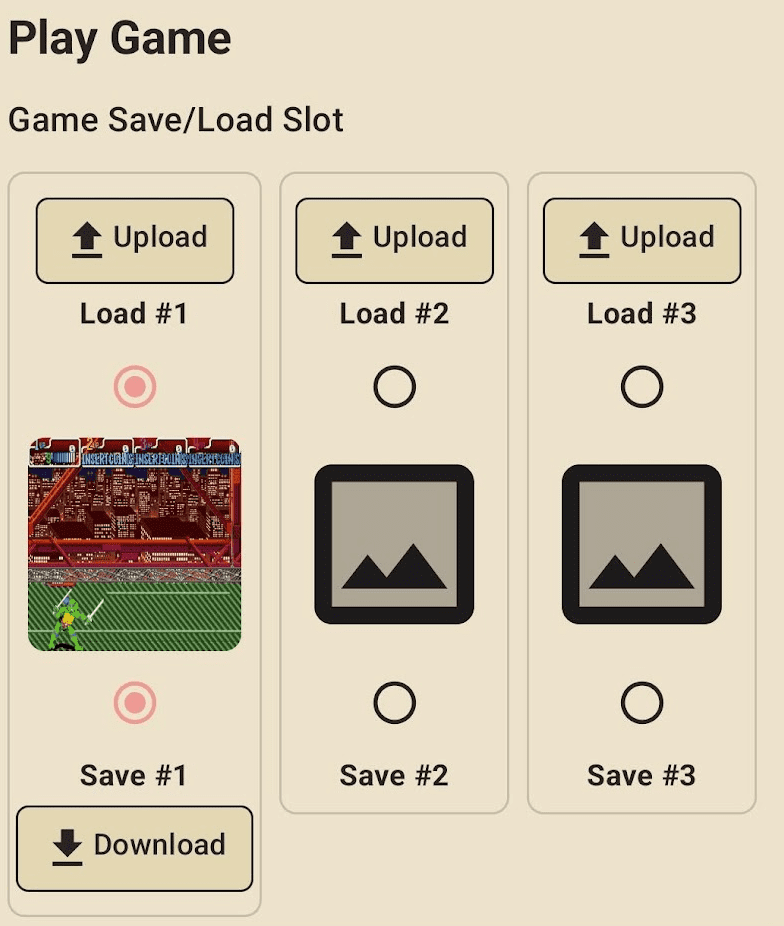
info
Each game has three save slots by default
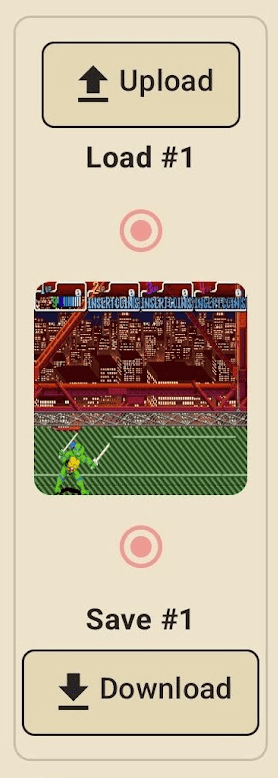
You will see a Download button And SnapShot Image for slots with saved files.

You can download the save file (.state file) by clicking the download button.